VYNTICS

RAG & Knowledge Assistants

AI Chatbot Development Services For Your Company Knowledge

Help people find answers in your documents, policies, and knowledge bases with an assistant built around your private business context.
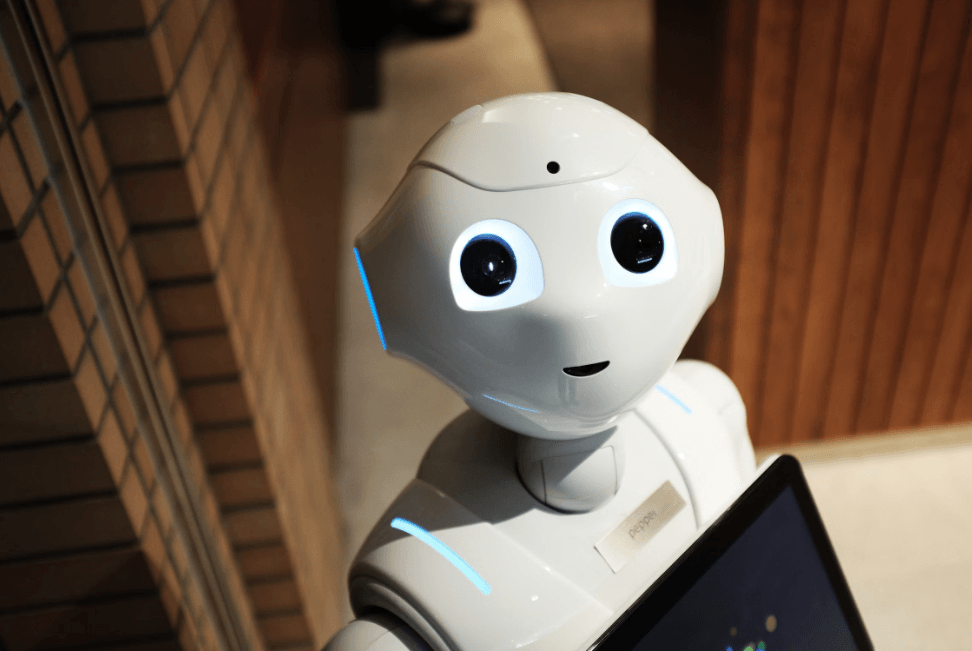
White assistant robot looking up at the camera while holding a tablet.

Signs You Need An AI Knowledge Assistant

Knowledge work becomes expensive when answers are difficult to find or repeat across teams.

What you might be experiencingWhat it usually means
  • What you might be experiencing

    Staff spend too much time searching documents for answers

    What it usually means

    Company knowledge lives in many folders and tools, and ordinary search cannot find answers from it.

  • What you might be experiencing

    The same support questions are answered repeatedly every day

    What it usually means

    Answers are not captured in a consistent, searchable knowledge base, so teams repeat the same explanations.

  • What you might be experiencing

    Important knowledge is locked inside PDFs and wikis

    What it usually means

    Useful context exists, but it is difficult to search in the flow of everyday work.

  • What you might be experiencing

    New employees take too long to find information

    What it usually means

    Onboarding depends on knowing where information lives and who to ask.

What We Build

Practical AI knowledge assistants shaped around the people, content, and questions they need to handle.

Internal Knowledge Assistants

Help employees find answers across policies, procedures, documentation, and internal knowledge.

Talk to our experts

Customer Support Chatbots

Give customers a useful first response from approved support content and product information.

Talk to our experts

Compliance And Policy Assistants

Make approved policies easier to search while keeping access and source context visible.

Talk to our experts

Document Q&A

Ask questions of private documents and receive answers grounded in the retrieved content.

Talk to our experts

Architecture

How RAG Works

Retrieval-augmented generation searches your approved knowledge before the model creates an answer.

  1. Your documents
  2. Search
  3. AI answer with sources
Diagram of a retrieval-augmented generation architecture: documents are parsed, split into sections, embedded and stored in a knowledge index; a user question passes access rules, retrieves and reranks relevant passages, and a language model generates an answer with citations, with guardrails and monitoring across the system.Prepare your knowledgeAnswer a questionYourdocumentsKept up to date1Ingest andparseChunk andtagEmbed2StoreSearchKnowledgeindex3YourquestionUnderstandquestionAccessrules4Retrieveand rerank5LanguagemodelAnswer withsourcesCited6Guardrails and monitoringAccess controlApproved sources onlyCitationsQuality checksUsage logs7
  1. Your approved knowledgePrepare your knowledgeYour documentsIngest and parseChunk and tagEmbedKept up to dateAnswers come only from content you approve: policies, manuals, contracts, wiki pages, help articles and database records. We agree on which sources are in scope, who owns them and how often they change.
  2. Prepare and indexDocuments are parsed, including tables and scanned pages, split into meaningful sections and tagged with details such as source, page, date and access level. Each section is converted into a searchable representation of its meaning, and new or changed documents are re-indexed as they arrive.
  3. Knowledge indexKnowledge indexMeaning-based representations, keywords and source details are stored together in one searchable index. It supports search by meaning and by exact terms, and keeps the link back to the original document and page.
  4. Question and access rulesAnswer a questionYour questionUnderstand questionAccess rulesRetrieve and rerankLanguage modelAnswer with sourcesThe question is understood and, when useful, rewritten for better search. Access rules decide which documents this person may see, before anything is retrieved.
  5. Retrieve and rerankThe index returns the passages most relevant to the question, combining search by meaning with search by exact terms. A reranking step puts the most useful passages first.
  6. Grounded answer with sourcesThe language model receives the question and only the retrieved passages, with instructions to answer from them. The reply cites the source documents and pages, and says so when the knowledge does not contain an answer.
  7. Guardrails and monitoringAccess controlApproved sources onlyCitationsQuality checksUsage logsAccess control, source-only answers, citations and quality checks keep responses safe and traceable. Usage logs and feedback show where answers fall short, so the knowledge and settings can be improved.

Tap a numbered point to see how it works.

Illustrative example of a typical retrieval-augmented generation (RAG) architecture. Every system is designed around your documents, access rules and accuracy needs.

Accuracy & Security

A useful assistant needs practical controls around its answers, sources, users, and deployment environment.

Answers With Source Citations

Show the documents or passages used so people can review the context behind an answer.

Talk to our experts

Guardrails Against Made-Up Answers

Test retrieval, prompts, fallback behavior, and failure cases instead of assuming every answer is correct.

Talk to our experts

Access Control

Respect the permissions and content boundaries that apply to the people using the assistant.

Talk to our experts

Private Deployment

Review deployment, data handling, and integration choices around your security requirements.

Talk to our experts

Integrations

Connect your knowledge assistant to the tools your team already uses.

Slack

Connect approved knowledge and assistant interactions through Slack.

Microsoft Teams

Connect approved knowledge and assistant interactions through Microsoft Teams.

Website chat

Connect approved knowledge and assistant interactions through Website chat.

WhatsApp

Connect approved knowledge and assistant interactions through WhatsApp.

SharePoint

Connect approved knowledge and assistant interactions through SharePoint.

Google Drive

Connect approved knowledge and assistant interactions through Google Drive.

Notion

Connect approved knowledge and assistant interactions through Notion.

Confluence

Connect approved knowledge and assistant interactions through Confluence.

How we work

Our Process

A clear path from a focused knowledge use case to an assistant your teams can evaluate and improve.

  1. Discover

    Use case and users

    Understand the business use case, users, knowledge sources, access requirements, and desired outcome.

  2. Prepare Data

    Organised knowledge

    Organise and prepare the documents and knowledge sources the assistant will use.

  3. Build Pilot

    Focused assistant

    Create a focused assistant around a real use case and representative content.

  4. Evaluate

    Quality and controls

    Test answer quality, retrieval, citations, access controls, and failure cases.

  5. Deploy

    Connected channels

    Connect the assistant to the required channels and business environment.

  6. Improve

    Feedback loop

    Monitor usage and feedback, then improve retrieval, prompts, content, and workflows.

Tech We Use

We select models, retrieval frameworks, vector stores, and deployment choices around your use case and requirements.

OpenAI

Language models for generating, summarising, and extracting information within controlled workflows.

Anthropic Claude

Language models for generating, summarising, and extracting information within controlled workflows.

Google Gemini

Language models for generating, summarising, and extracting information within controlled workflows.

Open-source LLMs

Self-hostable language models that can support greater control over deployment and data handling.

LangChain

Orchestration for model calls, retrieval, tools, and multi-step AI workflows.

LlamaIndex

Connect language models to structured and unstructured knowledge sources for retrieval.

Pinecone

Vector search for finding relevant information by meaning rather than exact keywords.

pgvector

Vector search for finding relevant information by meaning rather than exact keywords.

What A Knowledge Assistant Can Improve

We review outcomes against your content, users, and use case rather than assuming a fixed result.

  1. Support tickets reduced

    Help people resolve recurring questions earlier with relevant answers and source context.

  2. Time saved finding answers

    Reduce the time teams spend searching across documents, wikis, and internal systems.

  3. Answer accuracy

    Evaluate retrieval and response quality against the questions and content that matter to your business.

Team reviewing an AI knowledge assistant and business information

Case study

Knowledge Assistant Case Study

Explore published work relevant to AI assistants, RAG, or knowledge workflows.

No published RAG-related case study is available yet. Explore other Vyntics projects in the meantime.

View all case studies

Engagement options

Choose The Right Starting Point

Start with a focused pilot, move into a full build, or discuss ongoing support and improvement.

01. 2-week pilot

We want to test one knowledge use case.

Choose a focused audience, content set, and question pattern to evaluate a practical assistant pilot.

What you get

  • Use case and content scope
  • Retrieval and answer evaluation
  • Pilot findings and next steps

02. Full build

We are ready to deploy a knowledge assistant.

Build the agreed assistant, controls, content preparation, integrations, and review process.

What you get

  • Assistant and content scope
  • Channel and access integration
  • Evaluation and handover

03. Ongoing support and improvement

We want to improve the assistant after launch.

Review feedback, retrieval, content, prompts, usage, and workflows as needs change.

What you get

  • Usage and quality review
  • Content and retrieval improvements
  • Agreed support priorities

Frequently Asked Questions

Answers about AI chatbot development services and knowledge assistants.

Have a question about your AI use case? Contact our team.

What is RAG (retrieval-augmented generation)?

RAG retrieves relevant content from a knowledge source before asking an AI model to generate an answer. This gives the response useful business context and allows the assistant to show its sources.

How accurate are the assistant's answers?

Accuracy depends on the content, retrieval, question patterns, model, access rules, and evaluation process. We test representative questions, citations, and failure cases rather than promising a fixed accuracy rate.

Can it answer from our private documents securely?

It can be designed around private documents and access controls, subject to the chosen deployment, integrations, permissions, and data-handling requirements.

Which document types can it read?

The suitable document types depend on the source systems, extraction quality, structure, and content preparation required for your use case.

Can it work inside Slack, Teams or our website?

Yes, assistants can be connected to channels such as Slack, Microsoft Teams, and website chat when the integration and access requirements are supported.

How much does an AI knowledge assistant cost?

Cost depends on the use case, content volume, integrations, evaluation, deployment, model, and level of ongoing support. We clarify the scope before preparing an estimate.
AI chatbot development services

Make your company knowledge easier to use

Tell us what your teams search for, which content matters, and where an assistant could help. We can discuss a practical next step.